
Why AI Coding Tools Like Cursor Will Change the Way You Build Inventor Add-ins
The landscape of Autodesk Inventor development is undergoing its most significant shift in over a decade. For years, developers were tethered to the legacy .NET Framework, restricted by aging language features and manual, repetitive coding patterns. With the transition to .NET 8, the doors have swung open to a modern development environment.
But the framework shift is only half the story. The arrival of AI-native code editors, specifically Cursor, is fundamentally changing how we architect, write, and maintain engineering automation tools. For engineering managers and IT leaders, this isn't just about writing code faster: it's about reducing the technical debt and specialized knowledge silos that have historically made CAD automation a high-risk investment.
At Aboni Tech, we are seeing firsthand how the combination of .NET 8 and AI-assisted development is shortening project timelines from months to weeks. Here is why AI coding tools like Cursor are the new standard for building Inventor add-ins.
moving beyond the "copy-paste" era of development
Traditionally, building an Inventor add-in required a deep, almost encyclopedic knowledge of the Inventor API. Developers would spend hours scouring old forum posts or local help files to find the specific object or method needed to automate a simple task. This "API tax" was a constant drain on productivity.
Cursor changes this dynamic by treating your codebase as a living entity. Because Cursor is a fork of Visual Studio Code, it integrates directly with your development environment, but with a critical difference: it indexes your entire repository. When you ask a question about a specific event handler or a custom ribbon button, Cursor doesn't give you a generic answer; it gives you an answer based on your specific implementation.

why context is the most valuable asset in engineering automation
The primary challenge in CAD automation isn't just writing syntax; it’s managing the complex relationships between geometry, parameters, and external data. In a standard IDE, you are responsible for keeping all those connections in your head. Cursor’s "Codebase Understanding" allows the AI to serve as a high-level architect that understands these connections.
- Accelerated discovery: Instead of hunting through thousands of API members, you can ask, "Where is the logic that handles the assembly constraints?" and be taken directly to the relevant line.
- Intelligent refactoring: If you need to change how a specific part property is handled across ten different files, Cursor can execute those multi-file edits simultaneously, ensuring consistency across the entire project.
- Error reduction: AI assistants excel at catching the small, manual errors: like a missing null check on an Inventor WorkPlane: that typically lead to "Object Reference Not Set" crashes in production.
harnessing the power of .NET 8 with AI
The jump to .NET 8 is a massive technical leap for Inventor add-ins. It brings performance improvements and modern C# features that were previously unavailable. However, many internal engineering teams are still accustomed to older coding styles.
Cursor acts as a bridge during this transition. It can take legacy code snippets and instantly modernize them for .NET 8, suggesting contemporary syntax that is cleaner and more efficient. This ensures that your new automation tools aren't built on a foundation of obsolete patterns.
We have explored this specific technical transition in detail in our post on the fastest way to build powerful Inventor add-ins using .NET 8 and AI. By utilizing AI to handle the boilerplate associated with the new framework, your team can focus on the logic that actually solves manufacturing problems.

streamlining the multi-file project structure
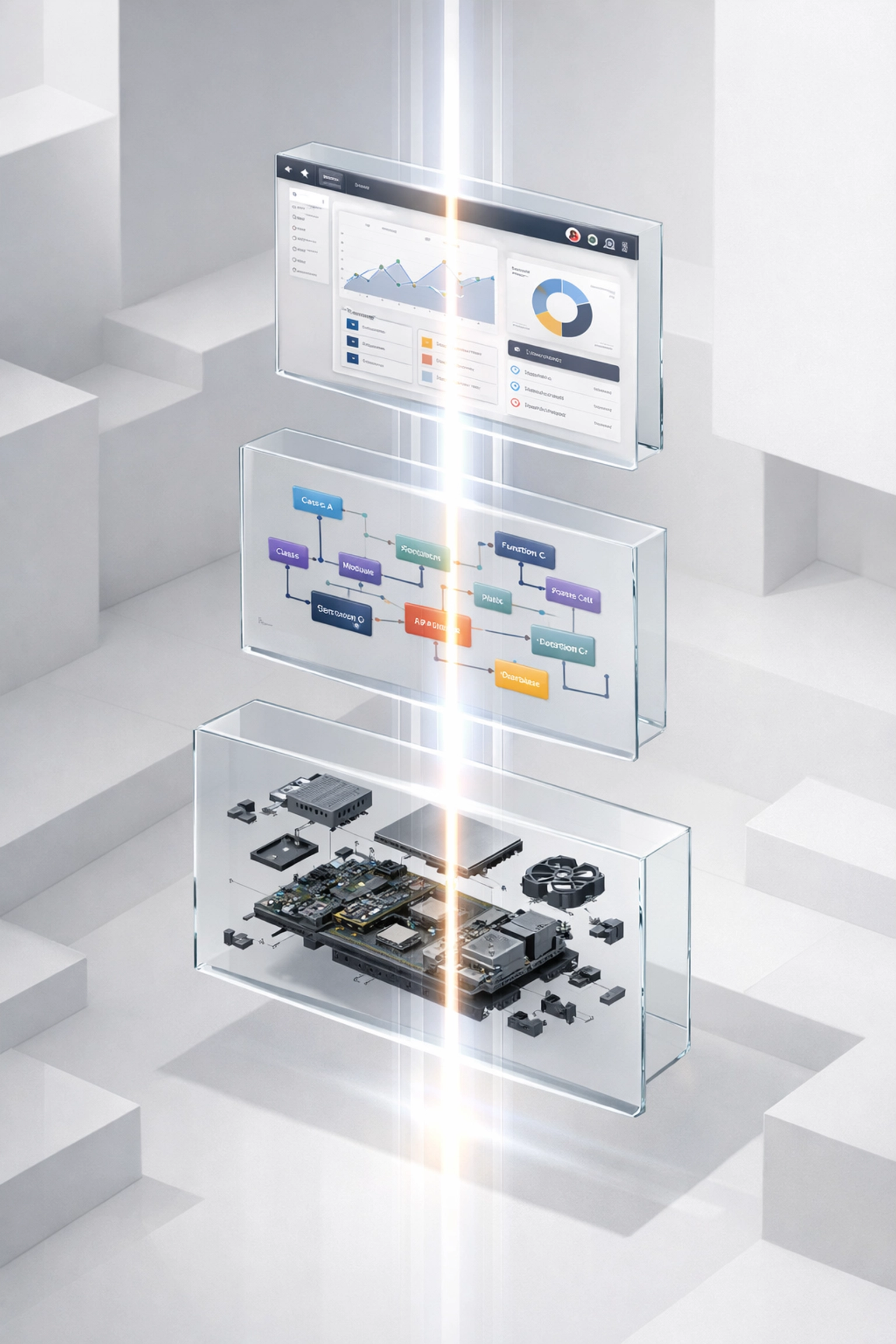
An Inventor add-in is rarely a single file. It involves UI definitions (often in WPF), business logic, API wrappers, and setup scripts. Managing the interaction between these files is where most projects lose momentum.
Cursor’s "Composer" feature is a game-changer here. It allows for "reliable execution of multi-file edits." For example, if you want to add a new feature that requires a new button on the ribbon, a new dialog box, and a new entry in your database, you can describe the feature in plain English. Cursor will then generate the code for the UI, the command logic to trigger it, and the data-handling methods across all relevant files.
This holistic approach to development facilitates:
- Unified design: Ensuring that the UI and the backend logic stay in sync.
- Rapid prototyping: Engineering managers can see a working proof-of-concept in days rather than weeks.
- Easier maintenance: When a new version of Inventor is released, updating the entire project structure becomes a guided process rather than a manual slog.
reducing the barrier to entry for engineering teams
One of the biggest risks for manufacturing companies is the "Single Developer Problem": where only one person understands how the automation tools work. If that person leaves, the system becomes a "black box" that no one dares to touch.
AI tools democratize the codebase. Because Cursor can explain what a complex block of code is doing, it’s much easier for a new developer or a junior engineer to step in and contribute. This transparency ensures that your automation infrastructure is resilient and scalable.
"The ability to have an AI explain the nuances of a 10-year-old API call in the context of our own business logic has saved us countless hours of onboarding. It’s no longer about knowing the API by heart; it’s about knowing how to solve the problem."

strategic value for manufacturing and IT leaders
From a management perspective, the shift to AI-assisted development is about ROI and risk mitigation. When you use tools like Cursor in conjunction with modern frameworks, you achieve several key business objectives:
- Lower development costs: Reducing the time spent on boilerplate and debugging directly lowers the cost of the project.
- Faster time-to-market: Engineering departments get the tools they need to stay competitive much sooner.
- Data consistency: Automated tools built with AI-assisted checks are more likely to enforce the data standards your IT department requires, preventing "garbage in, garbage out" scenarios in your ERP or PDM systems.
- Future-proofing: By building on .NET 8 and using modern tools, you ensure your add-ins will remain functional and performant as Autodesk continues to update Inventor.
If you are just getting started, you might find our guide on how to build an Autodesk Inventor add-in with .NET 8 and Cursor AI in 5 minutes a helpful practical introduction.
avoiding common pitfalls in the AI transition
While AI tools are incredibly powerful, they are not a "magic button." The quality of the output is heavily dependent on the context provided. This is where engineering expertise remains vital. You still need to understand the underlying mechanics of Inventor to verify that the AI is making the right decisions, especially when it comes to complex geometric operations.
Common mistakes often include over-reliance on AI without proper testing or failing to structure the project in a way that the AI can easily index. To help navigate these challenges, we’ve documented 5 common CAD automation mistakes and how to avoid them.
the future of engineering automation is collaborative
The era of the "lone wolf" developer writing thousands of lines of manual code is ending. The future belongs to teams that can leverage AI to handle the heavy lifting, allowing humans to focus on high-level strategy and complex problem-solving.
Cursor isn't just a better text editor; it’s a collaborator that understands the unique constraints of Inventor add-in development. By adopting these tools today, you aren't just writing better code: you are building a more agile, responsive, and innovative engineering organization.
At Aboni Tech, we excel at helping companies navigate this technological shift. Whether you need to migrate legacy tools to .NET 8 or want to build a new suite of automation add-ins from the ground up, we are here to facilitate that journey.
Let’s work together to transform your engineering workflow. Contact us today to discuss how we can help you implement these modern development practices. We can’t wait to hear from you.